


Step 7 — Config & first flights
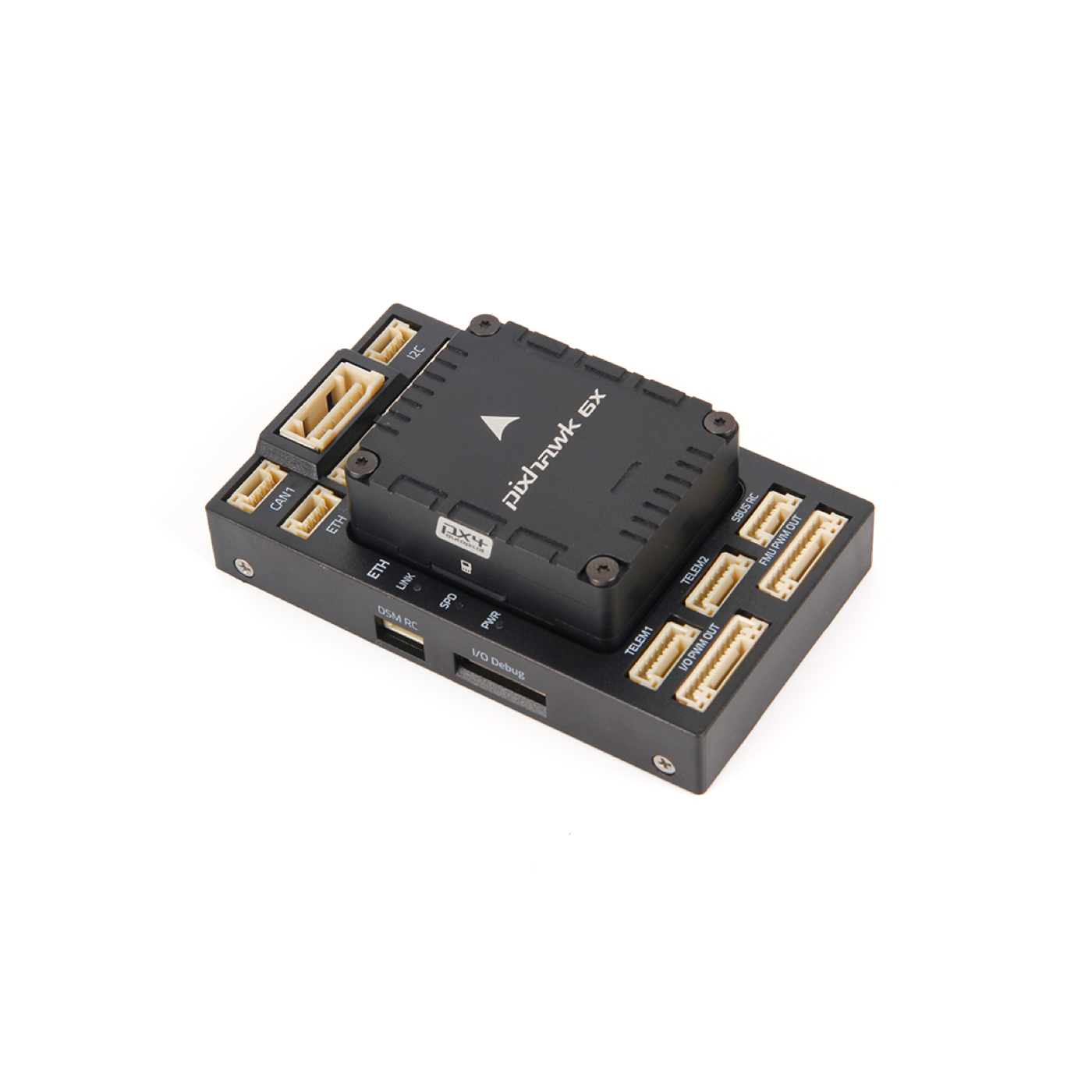
Pixhawk 6X Mini — ready for setup
More images
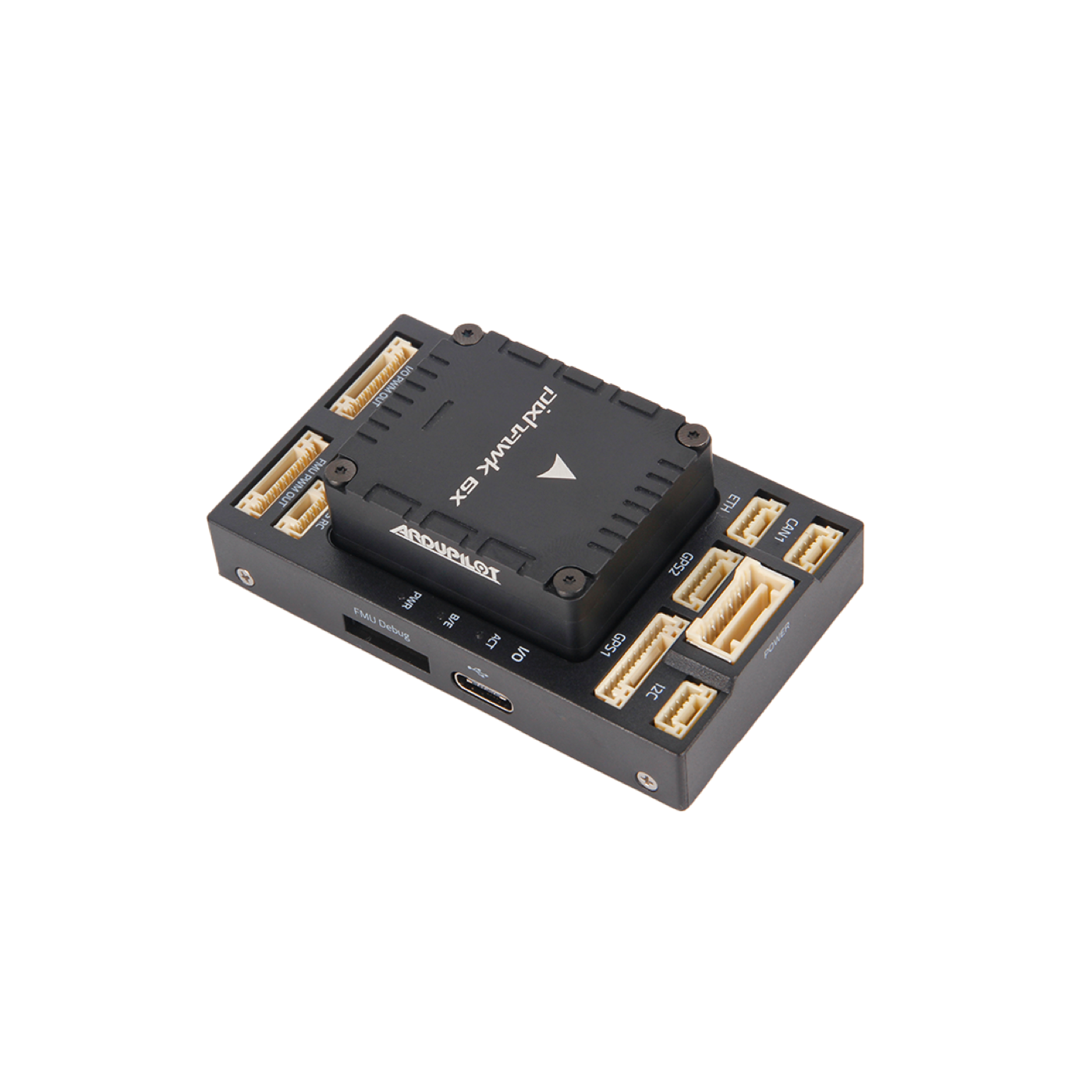
Stack / module
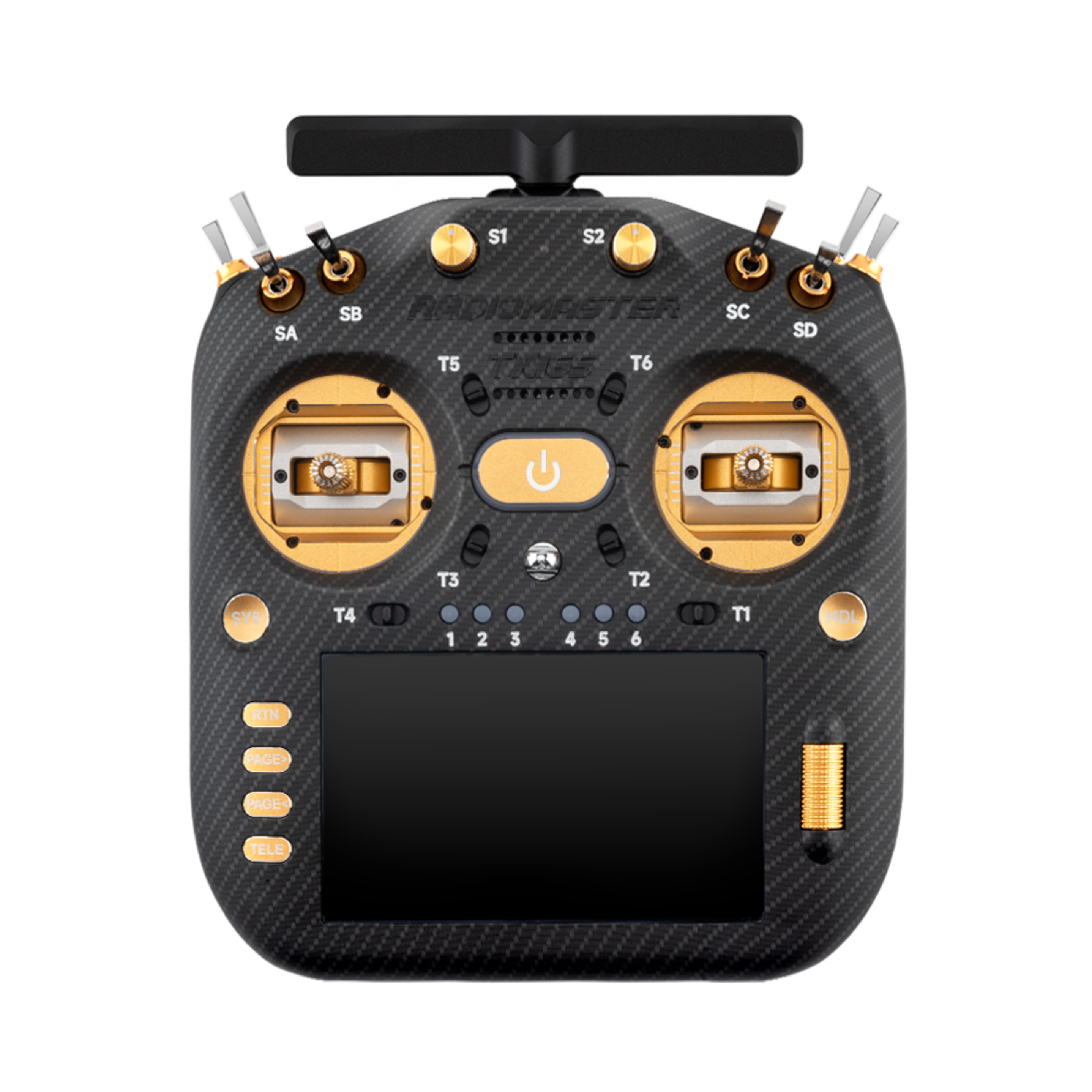
TX16S for radio calibration
Goal: ArduPilot parameters, calibration, manual/stable modes, then Auto/missions.
Manuals & guides
Official docs and practical guides for this step:
- ArduPilot — Mandatory hardware configuration
- Mission Planner — Initial setup
- ArduPilot — Flight modes (Copter)
- ArduPilot — Tips for new pilots
- Complete hardware & tuning intro (video series)
Video guides
Videos below are embedded. Use the link if the player does not load.
Complete ArduPilot Tuning Guide — Part 1 Hardware and Setup — YouTube
First flight — Stabilize, AltHold, PosHold and Autotune — YouTube
What you do
- Lock frame type, motor order, ESC protocol, and battery parameters.
- Accel/compass/radio/ESC calibration (without props where required).
- Enable failsafe, geofence, arming checks, and logging.
- First flights: Stabilize → AltHold → Loiter/PosHold; only then Auto.
- Review logs; change PID/filters only in small steps.
Related parts
- Pixhawk 6X Mini
- ArduPilot + ELRS setup
- Earlier steps: radio, GPS, flow, LiDAR
Done when
- Manual/stable modes are reliable; Auto/waypoints have been tested in an open field.
Photos