


Step 4 — Radio & telemetry
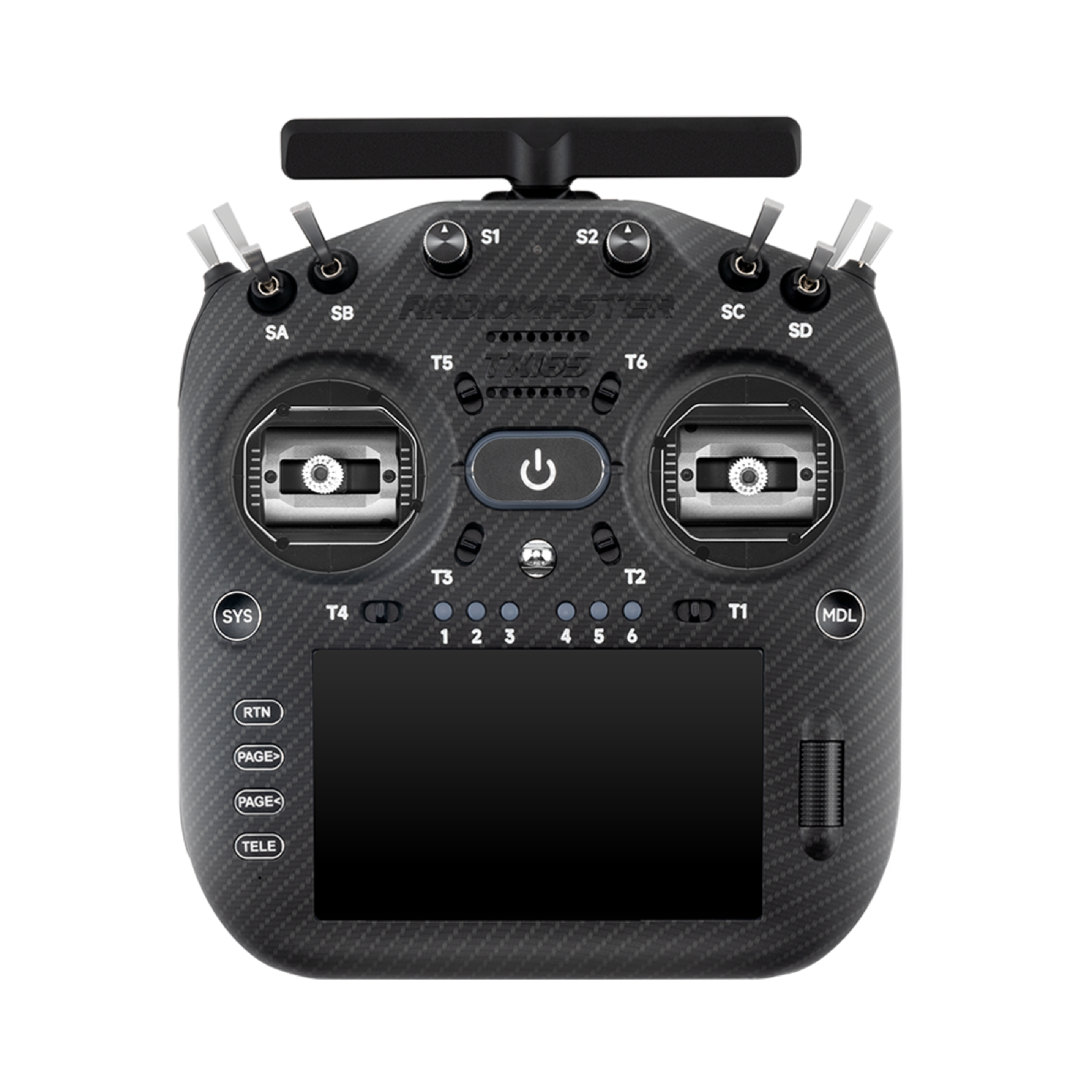
RadioMaster TX16S MK3 MAX
More images
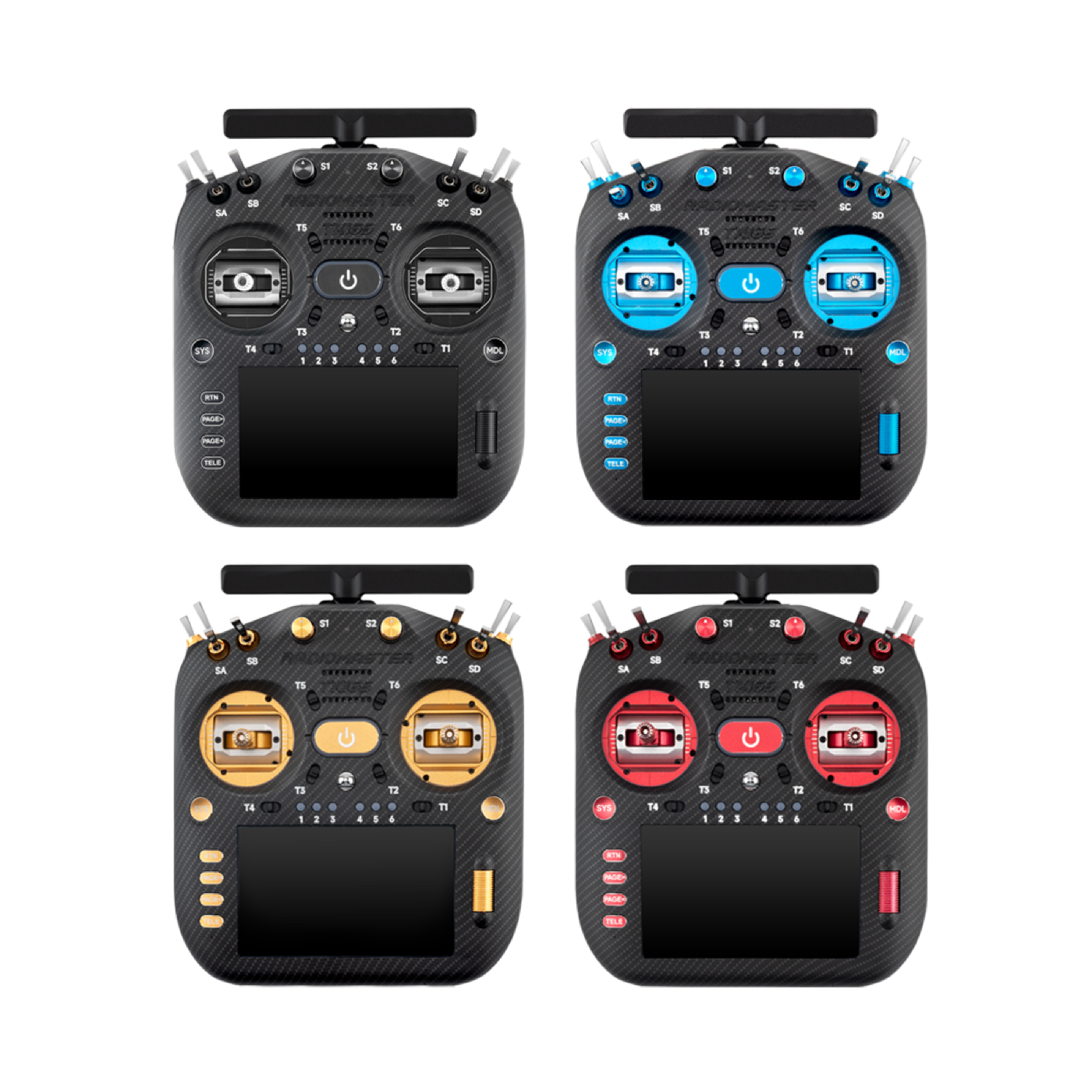
TX16S MK3 MAX
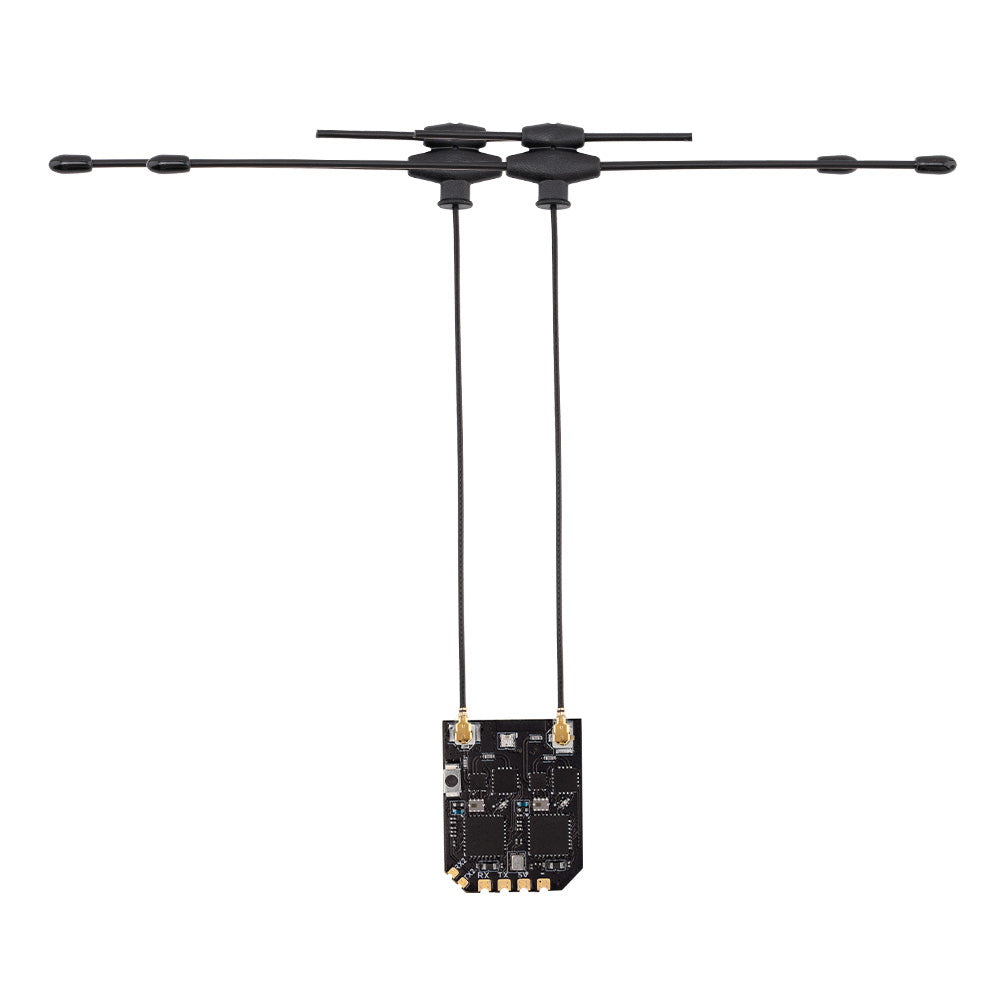
XR4 ELRS receiver
Goal: ELRS on a real UART; bind the TX16S; verify basic flight modes safely.
Manuals & guides
Official docs and practical guides for this step:
- ExpressLRS — ArduPilot setup
- ExpressLRS — Binding
- ArduPilot — Crossfire / ELRS (CRSF)
- Oscar Liang — TX16S MK3 review
Video guides
Videos below are embedded. Use the link if the player does not load.
How to setup ELRS with ArduPilot — simply — YouTube
Radiomaster TX16S MK3 FPV Remote Review — YouTube
What you do
- Wire XR4 (ELRS) to TELEM2 / SERIAL2 (CRSF) — do not share with LD-06.
- Bind the TX16S MK3 MAX (internal ELRS); set failsafe and arming switches.
- Follow the ArduPilot + ELRS setup (baud, protocol, telemetry/passthrough as needed).
- On the bench: RC visible in Mission Planner; switch modes without props.
- First controlled check flight in Stabilize/AltHold (only after calibration — see step 7).
Related parts
Done when
- Link is stable, failsafe works, and basic flight modes are reachable from the radio.
Photos