


Step 5 — Low-speed sensing
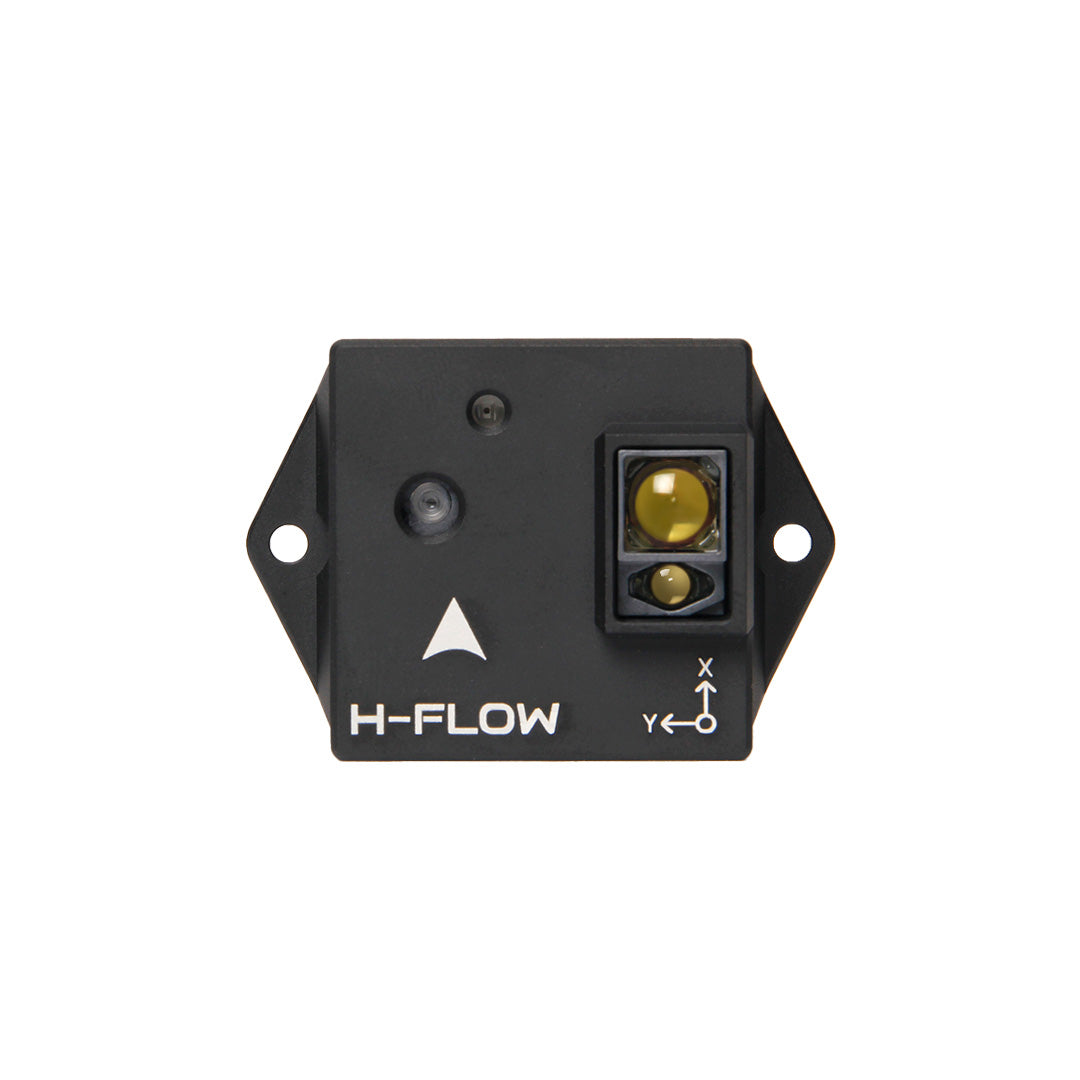
Holybro H-Flow
More images
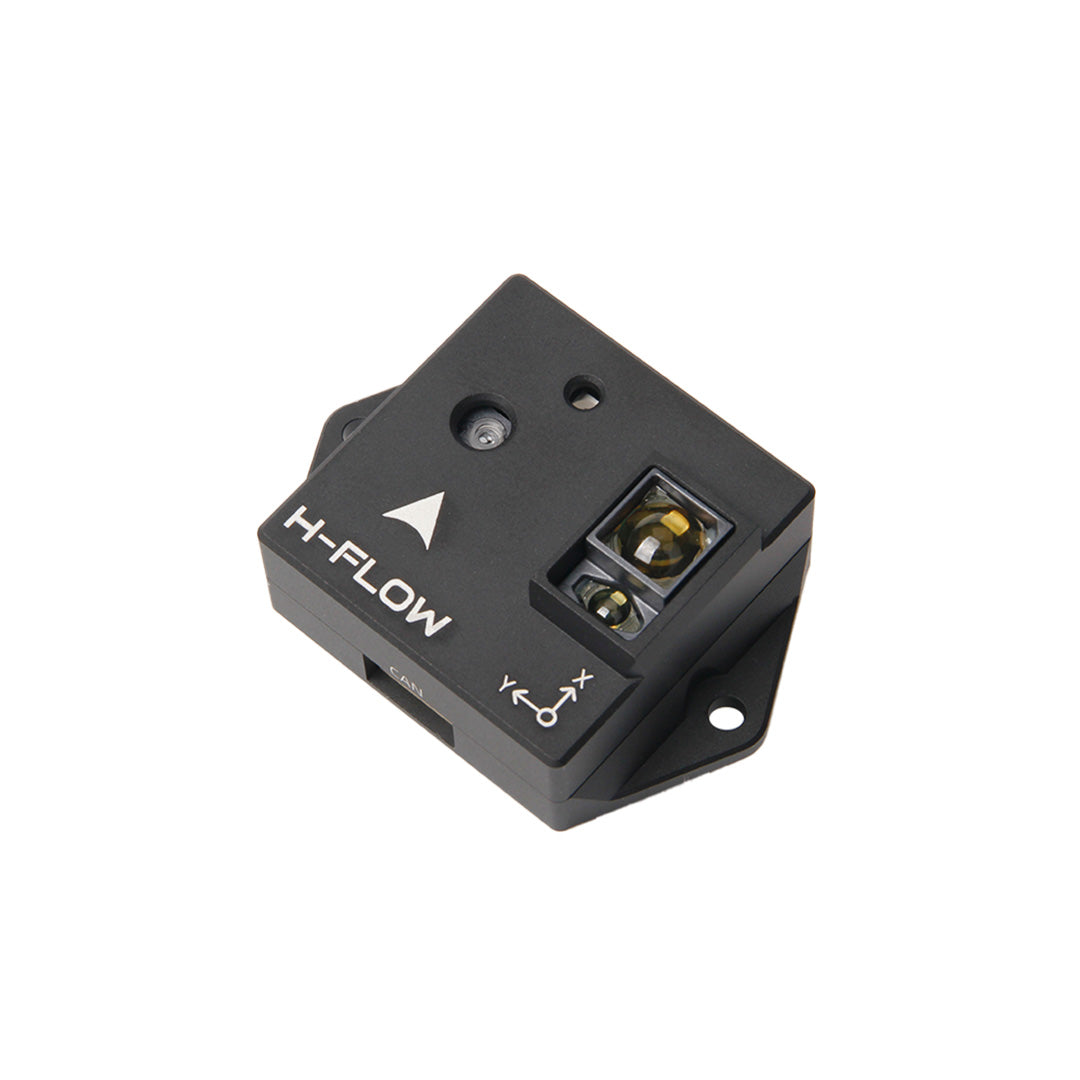
H-Flow — side
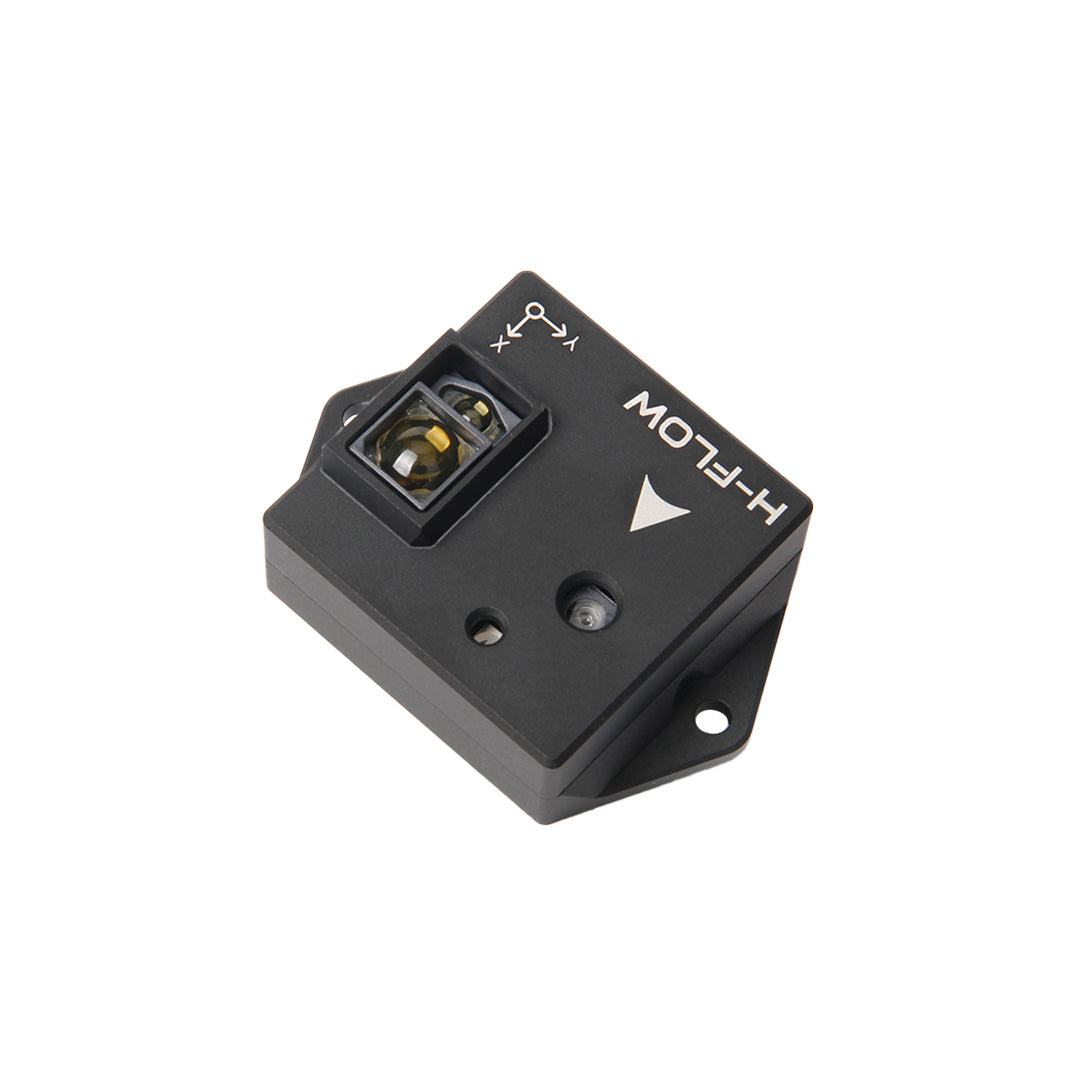
H-Flow — bottom / sensor
Goal: H-Flow for hover/loiter near the ground or with weak GNSS.
Manuals & guides
Official docs and practical guides for this step:
- Holybro H-Flow — setup guide (ArduPilot)
- ArduPilot — Optical flow testing & setup
- Holybro H-Flow product
Video guides
Videos below are embedded. Use the link if the player does not load.
Setup Optic Flow & Lidar for ArduPilot / PX4 (indoor hover) — YouTube
ArduPilot OpticalFlow fixed-point hovering — YouTube
What you do
- Mount H-Flow on the CAN Hub (or reserved CAN path); lens down with a clear view.
- Set optical flow + rangefinder firmware/parameters per Holybro/ArduPilot docs.
- Test low over structured surfaces (grass/tiles): flow quality and height.
- Treat it as a GPS aid, not a replacement for outdoor long-range positioning.
Related parts
Done when
- Flow and distance show in telemetry; near-ground Loiter/PosHold feels more stable.
Photos