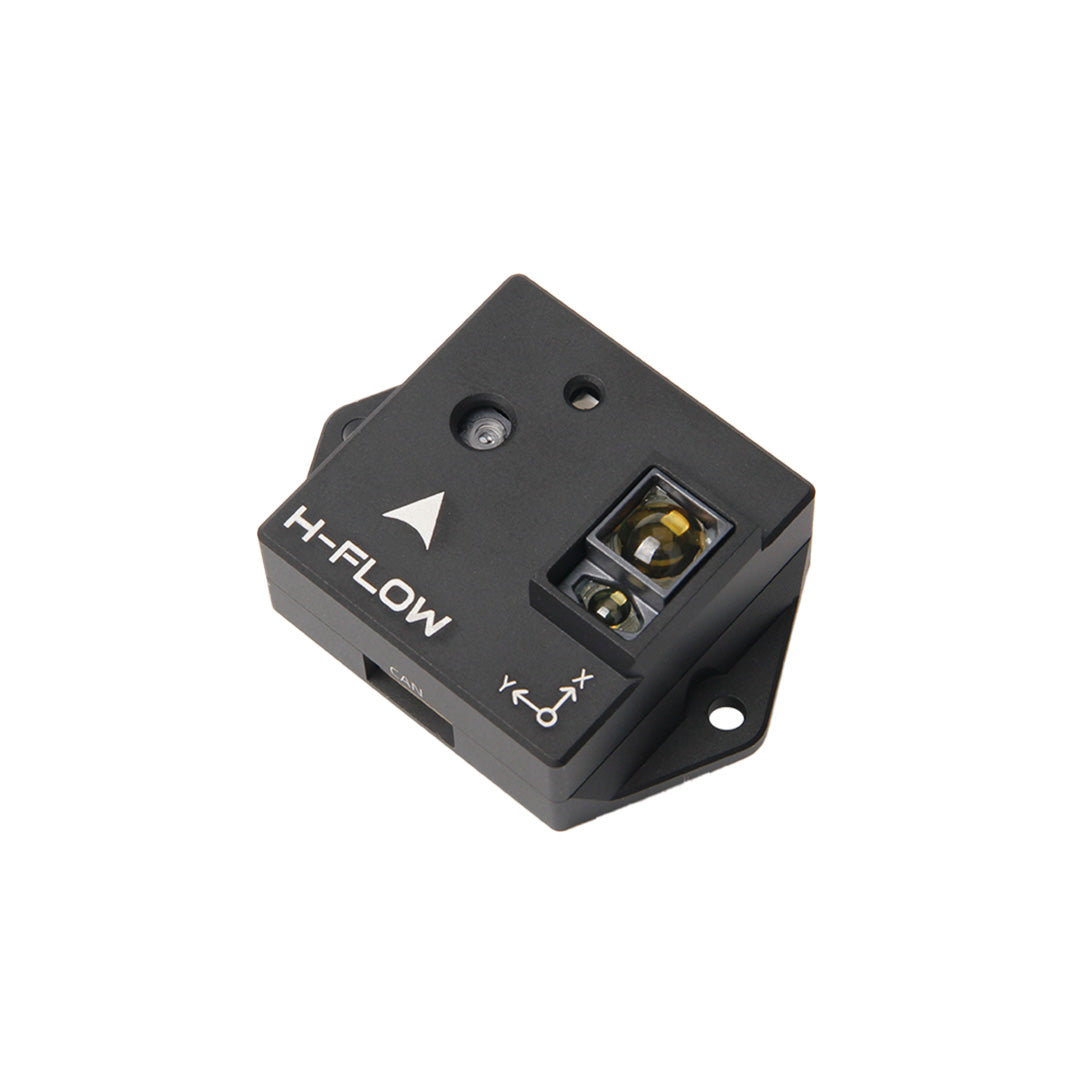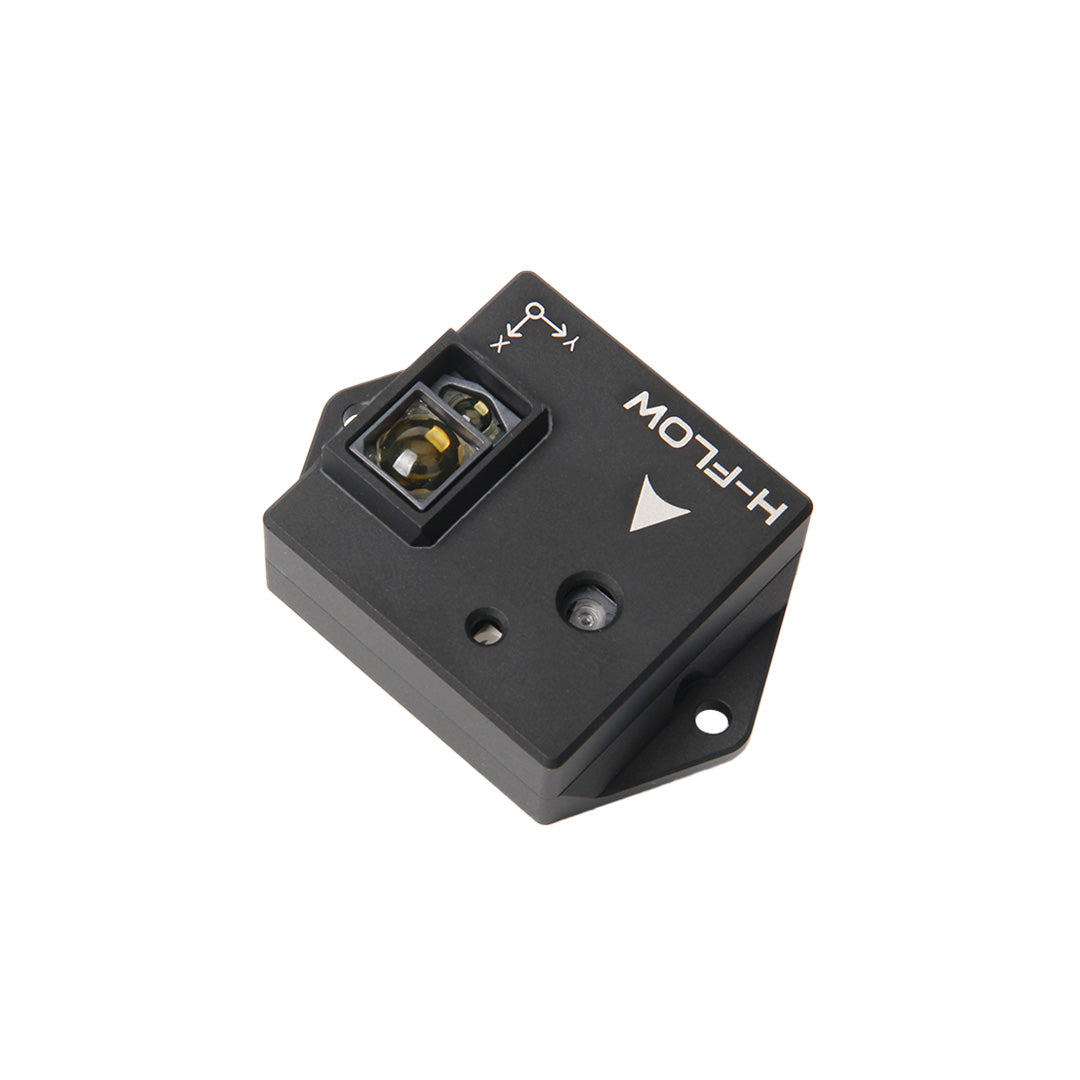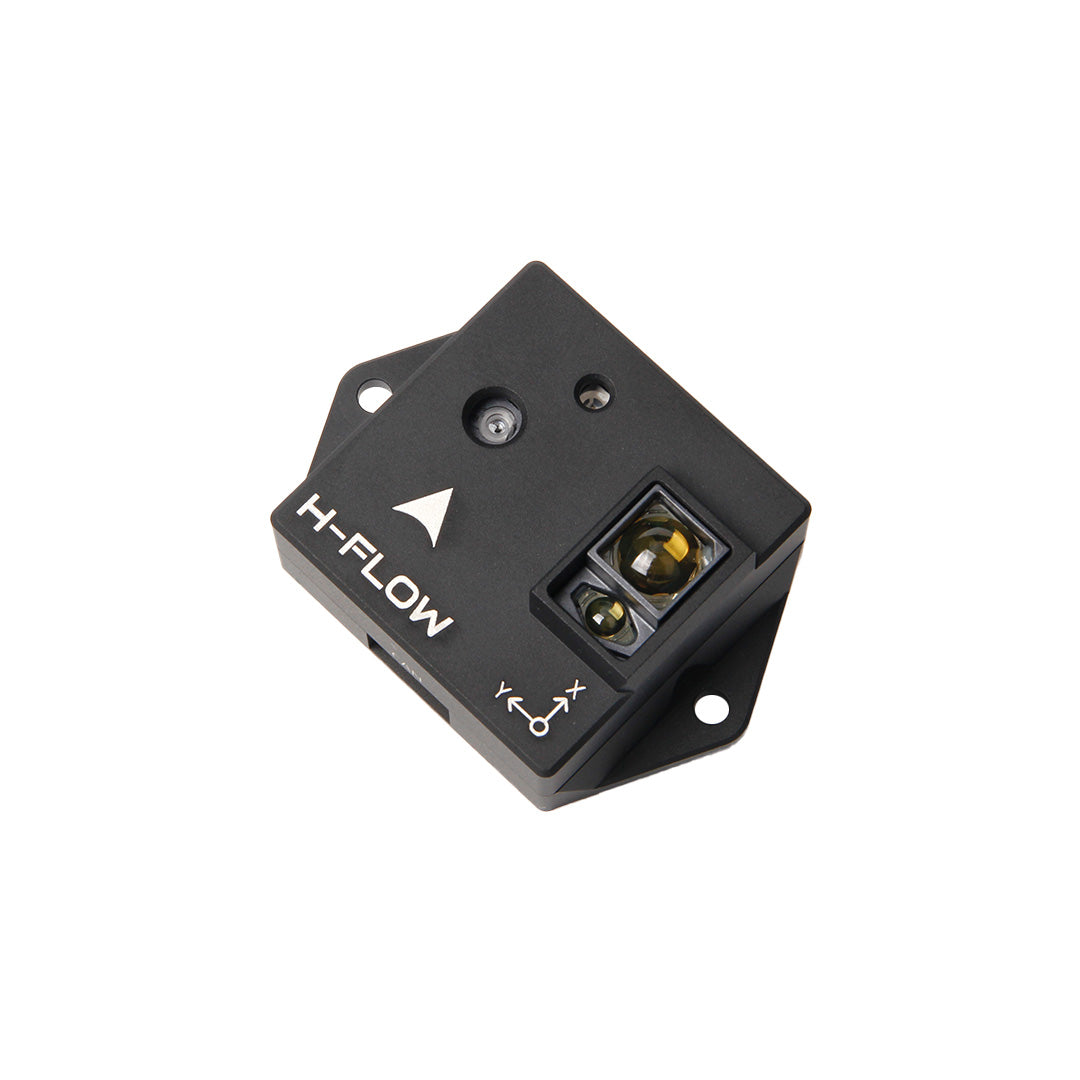

H-Flow — optical flow + altitude over CAN
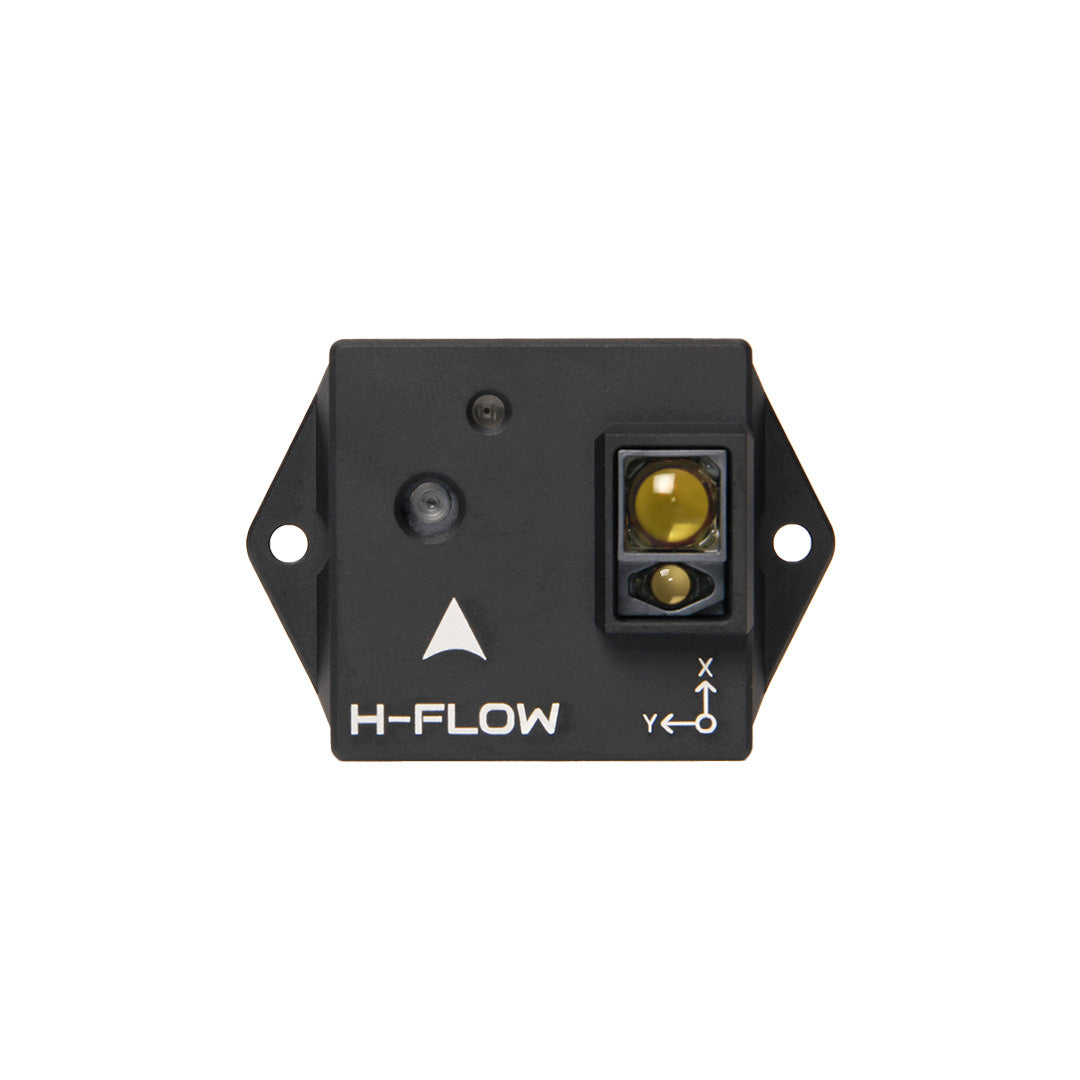
Optical flow + ToF + IMU — DroneCAN
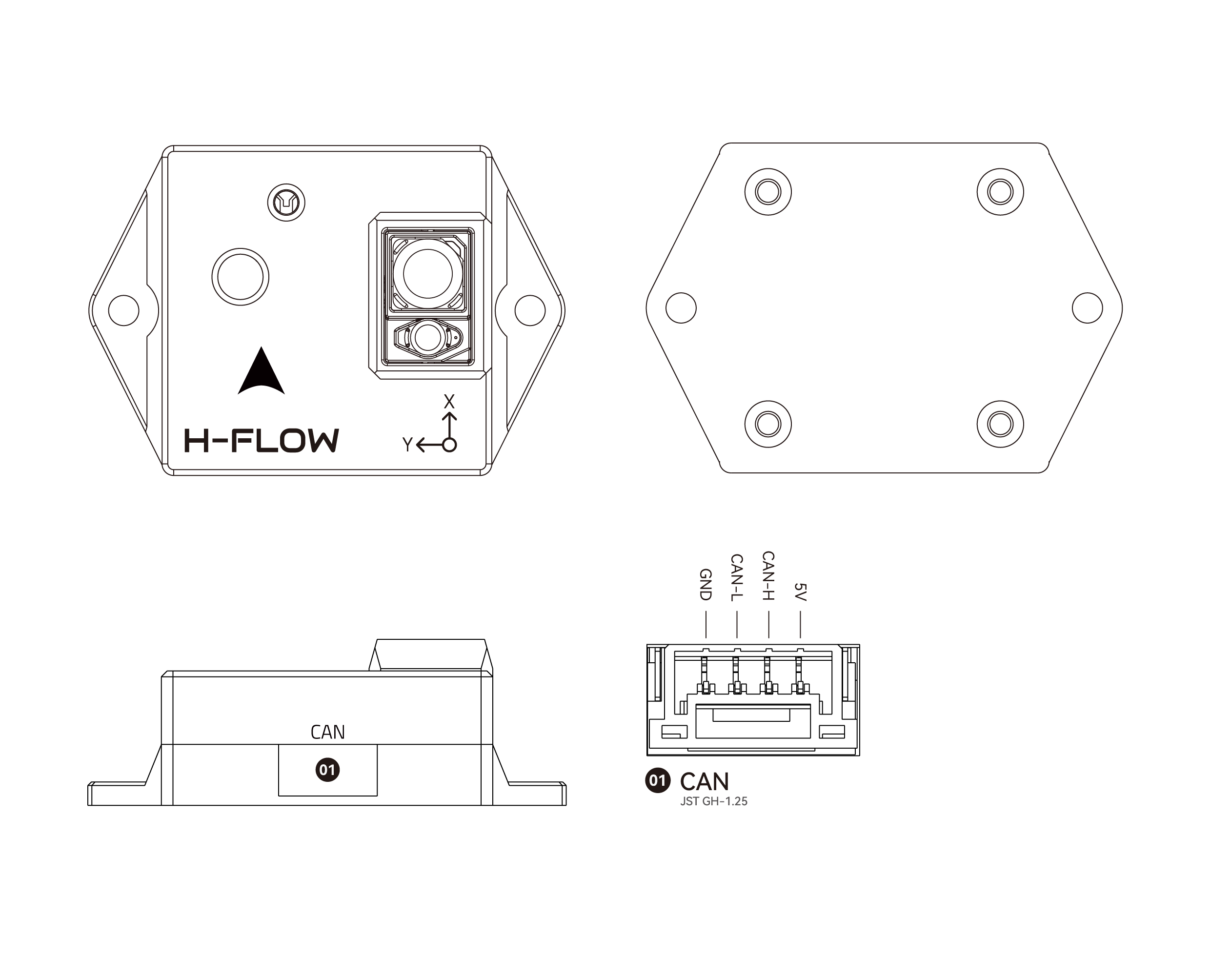
4-pin CAN — 1:1 cable to the hub
Close to the ground or with weak GNSS we want help for loiter and land. H-Flow gives optical flow, laser range, and an IMU — all over DroneCAN. That is not 360° avoidance; that role is for the LD-06 on TELEM1.
Why H-Flow on CAN
One connector, no extra UART. Fits the Mini port budget. Shares CAN1 with the F9P.
Order: $125.00 · Store: holybro.com — H-Flow · Docs: H-Flow overview · Setup: setup guide.
Chips: PAA3905 (flow) + AFBR-S50 (ToF) + ICM-42688 (IMU).
What we do
- Bus first: CAN Hub —
CAN_P1_DRIVER, bitrate, node IDs. Refs: IQ Motion (ignore ESC) · ArduPilot DroneCAN Setup. - Mount facing down, clean lens, min ~8 cm AGL (max ~30 m).
- Confirm the H-Flow node is online in Mission Planner’s DroneCAN panel before flow calibration.
- ArduPilot:
| Param | Value | Note |
|---|---|---|
FLOW_TYPE |
6 |
Holybro H-Flow |
RNGFND1_TYPE |
24 |
DroneCAN rangefinder — required |
RNGFND1_ADDR |
matches node (often 0) |
otherwise ToF is ignored |
EKF3 flow sources per the Holybro guide. PX4 (reference): UAVCAN_SUB_FLOW, UAVCAN_SUB_RNG.
Pinout (CAN)
| Pin | Signal | Pixhawk CAN1 |
|---|---|---|
| 1 (red) | 5V | VCC |
| 2 | CAN_H | CAN_H |
| 3 | CAN_L | CAN_L |
| 4 | GND | GND |
Included Holybro cable is 1:1. Details: holybro-pinout.md. Official: Holybro H-Flow pinout.
Local refs: holybro-overview.md · holybro-setup-guide.md · holybro-firmware.md · holybro-dimensions.md.
Read next
- CAN Hub — bus + XT30 power
- F9P Helical — shares the same bus
- LD-06 — 360° proximity (not this sensor)
- Step 5 — low-speed sensing
ArduPilot wiki
Community: H-Flow loiter anomaly — check obstruction/logs.
Choice log
| What | Holybro H-Flow (DroneCAN: flow + ToF + IMU) |
| Why | Low-speed / weak-GNSS help without an extra UART |
| Our pick | H-Flow on CAN — not UART Matek; LD-06 stays separate for 360° |
Product Info
H-Flow (Optical Flow and Distance Sensor Module)
- Handle:
h-flow - Vendor: PCBA
- Product type: Sensor
- Store URL: https://holybro.com/products/h-flow
Description
Overview The Holybro H-Flow is a compact o ptical flow and distance sensor module that combines a PixArt PAA3905E1 optical flow sensor, a Broadcom AFBR-S50LV85D distance sensor, and an InvenSense ICM-42688-P 6-axis IMU. This all-in-one design simplifies installation, while the onboard infrared LED enhances visibility in low-light conditions. The H-Flow features a Pixhawk-standard 4-pin CAN connector, ensuring seamless integration with Pixhawk-compatible controllers via the CAN port. Utilizing the DroneCAN protocol offers reliable and high-speed data transmission between the sensor and the flight controller. Feature Integrated Optical Flow and Rangefinder Module PixArt Optical Flow Sensor for Accurate Motion Tracking Broadcom ToF Sensor for Precise Distance Measurement Infrared LED for Optical Low-Light Performance DroneCAN Protocol Specification PixArt PAA3905E1 Optical Flow Sensor Tracks under low light conditions of >5 lux Effective Viewing angle up to 42° Wide working ranges from 80mm up to 30m Up to 7.4 rad/s 40 mW 120° viewing angle IR LED built onto the board for improved low-light operation Broadcom AFBR-S50LV85D Time-of-Flight Distance Sensor Integrated 850 nm laser light source Field-of-View (FoV) of 12.4° x 6.2° with 32 pixels Typical distance sensing range up to 30m Operation of up to 200k Lux ambient light Works well on all surface conditions Transmitter beam of 2° x 2° to illuminate between 1 and 3 pixels InvenSense ICM-42688-P 6-Axis IMU STM32F412CEU6 MCU Pixhawk Standard CAN Connector (4 Pin JST GH) Compact Form Factor Software-Controlled CAN Termination Weight: 15.2g (3.5g without casing) Reference Links Setup Guide Firmware Setup & Upgrade Pinout AFBR-S50LV85D Datasheet Package Includes: 1x H-Flow 4-pin GH cable 2x M2.5 Screws 2x M2.5 Nylon Locking Hex Nuts Dimension With Case PCB Only
Variants
- Default Title: $125.00 — SKU
19006— available=None
Options
- Title: Default Title
Photos