


Step 4 — Radio & telemetry
No reliable radio means no safe first flight. We link the TX16S MK3 MAX to the XR4 ELRS on TELEM2. Not on the same UART as the LiDAR. Full guide: ExpressLRS guide.
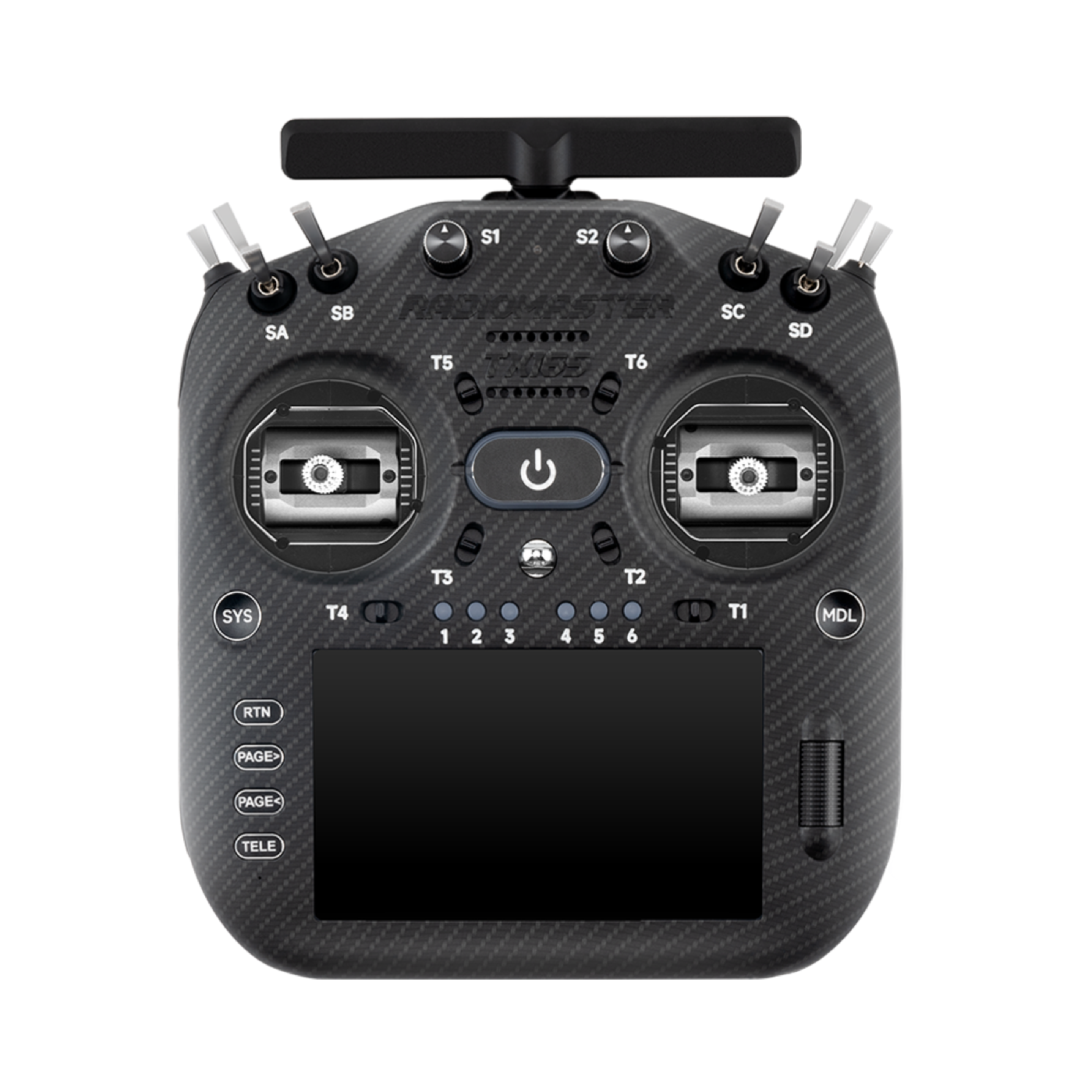
RadioMaster TX16S MK3 MAX
More images
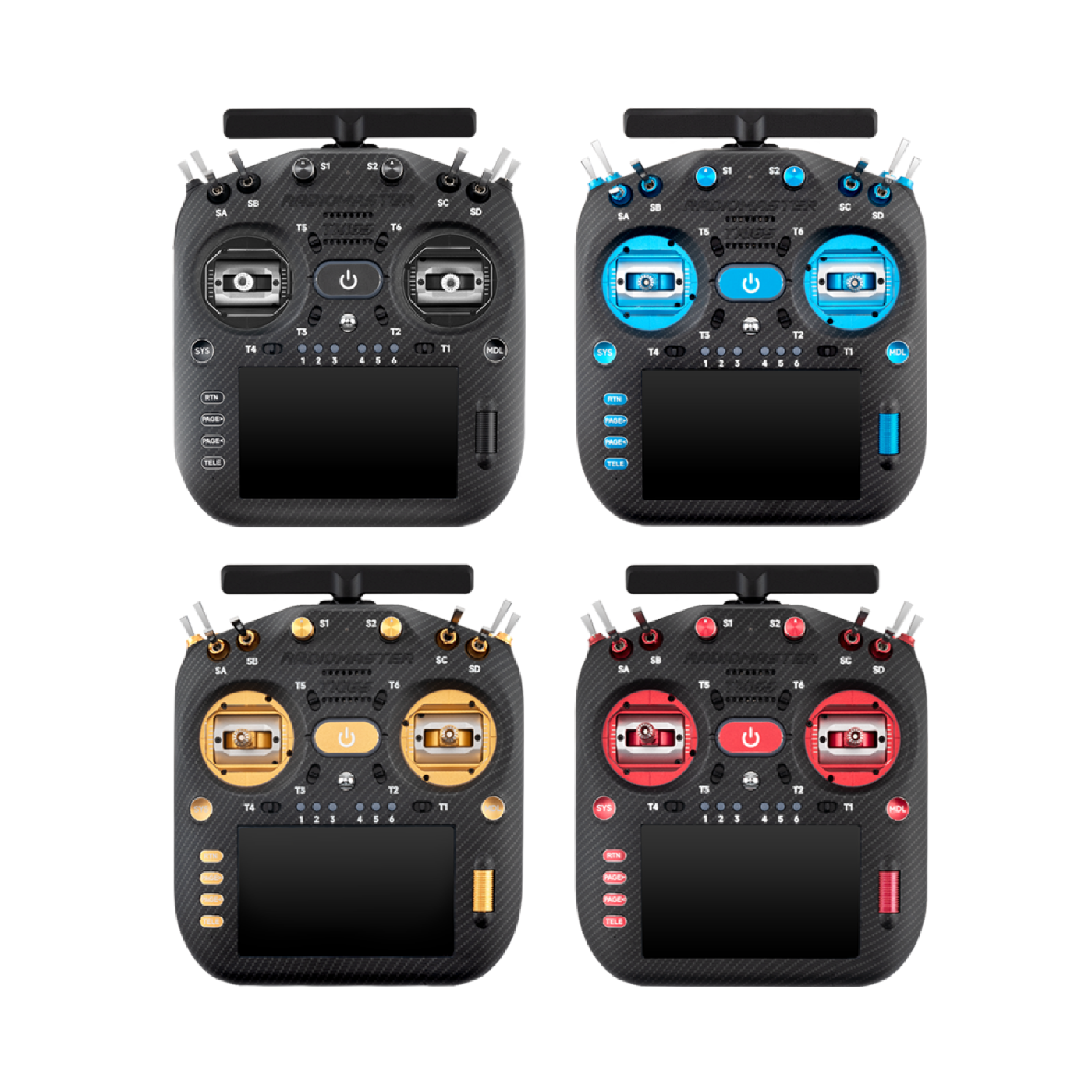
TX16S MK3 MAX
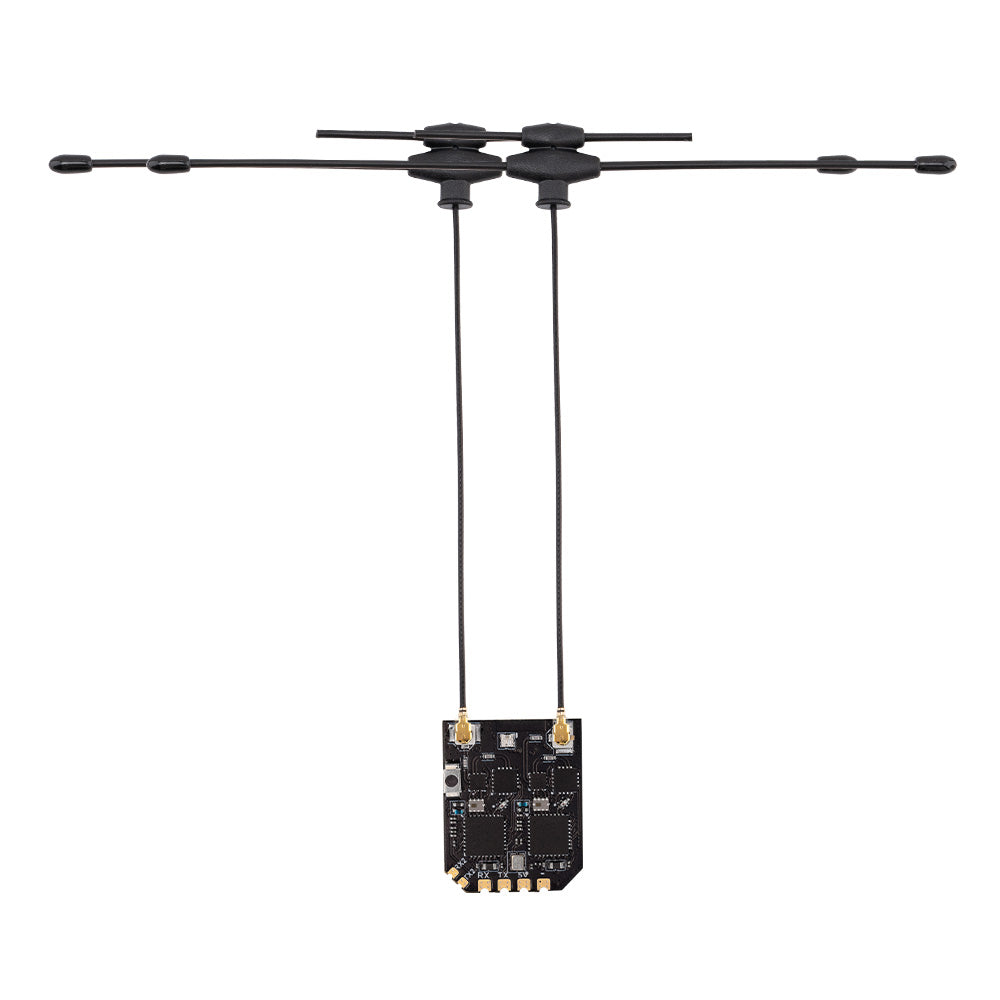
XR4 ELRS receiver
What we choose
ELRS on a real UART. CRSF on TELEM2 / SERIAL2. Failsafe and arming on the TX16S. Bench first. A check flight only later — after calibration in step 7.
What we do
- Wire XR4 (ELRS) to TELEM2 / SERIAL2 (CRSF) — do not share with LD-06.
- Bind the TX16S MK3 MAX (internal ELRS). Set failsafe and arming switches.
- Follow the ArduPilot + ELRS setup (baud, protocol, telemetry/passthrough as needed).
- On the bench: RC visible in QGroundControl. Switch modes without props.
- First controlled check flight in Stabilize/AltHold (only after calibration — see step 7).
- Later: QGC in the air via MAVLink-over-ELRS + TX16S backpack — checklist.
Manuals
- Build: ExpressLRS — how it works, updates, EU/NL
- Overview: ExpressLRS — what it is, 3 vs 4, TX16S role
- ExpressLRS — ArduPilot setup
- ExpressLRS — Binding
- ArduPilot — Crossfire / ELRS (CRSF)
- Oscar Liang — TX16S MK3 review
- Firmware — ELRS versions
Video
How to setup ELRS with ArduPilot — simply — YouTube
Radiomaster TX16S MK3 FPV Remote Review — YouTube
Read next
- RadioMaster TX16S MK3 MAX
- RadioMaster ELRS RX
- ArduPilot + ELRS setup
- ExpressLRS explained
- Step 5 — Low-speed sensing
Done when
The link is stable. Failsafe works. Basic flight modes are reachable from the radio.
Choice log
| What | TX16S + XR4 ELRS on TELEM2 |
| Why | No radio means no safe first flight |
| Our pick | CRSF on SERIAL2; do not share with LD-06; failsafe on the bench first |
Photos