


Step 6 — Obstacle awareness
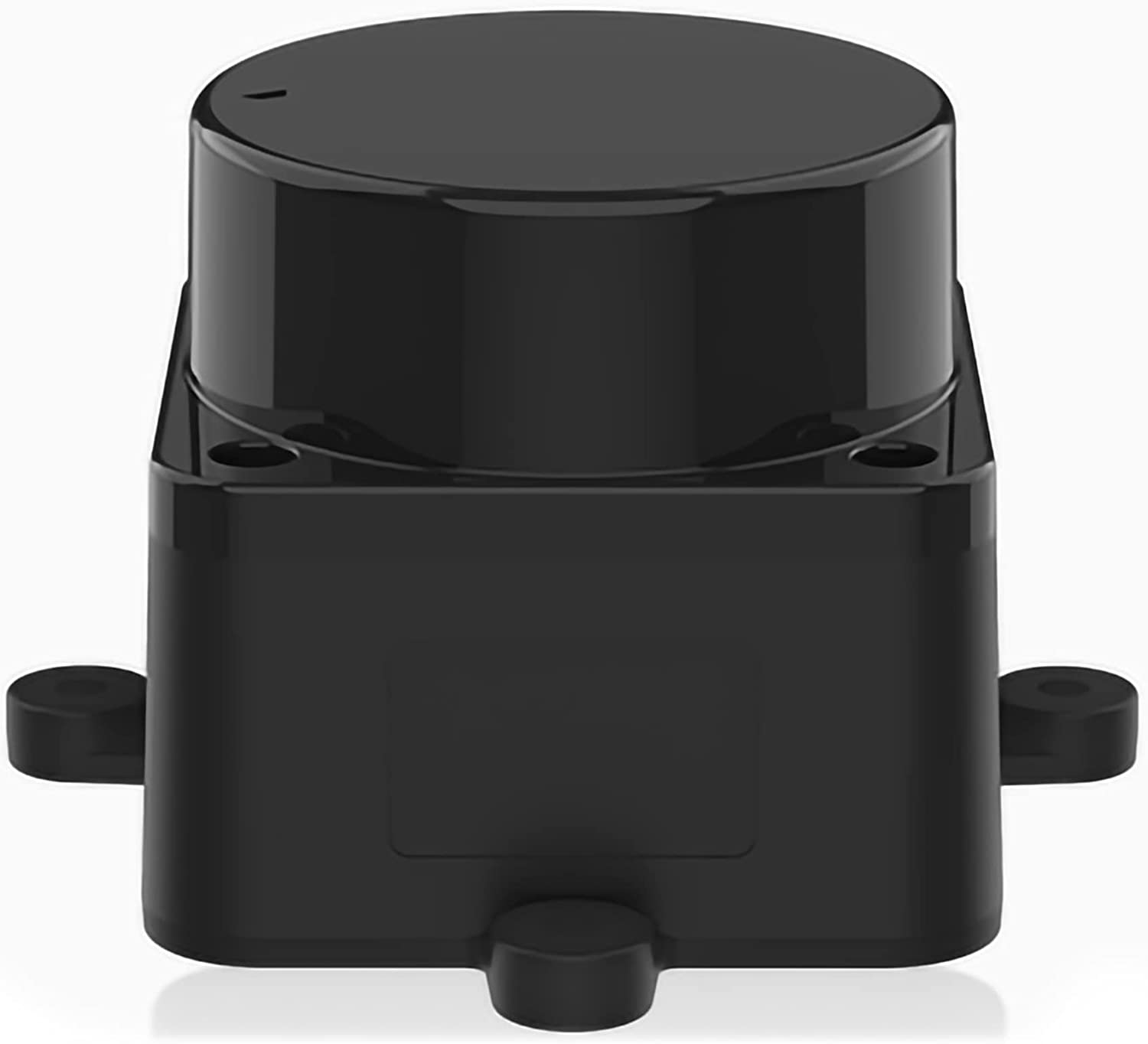
LDRobot LD-06 LiDAR
More images
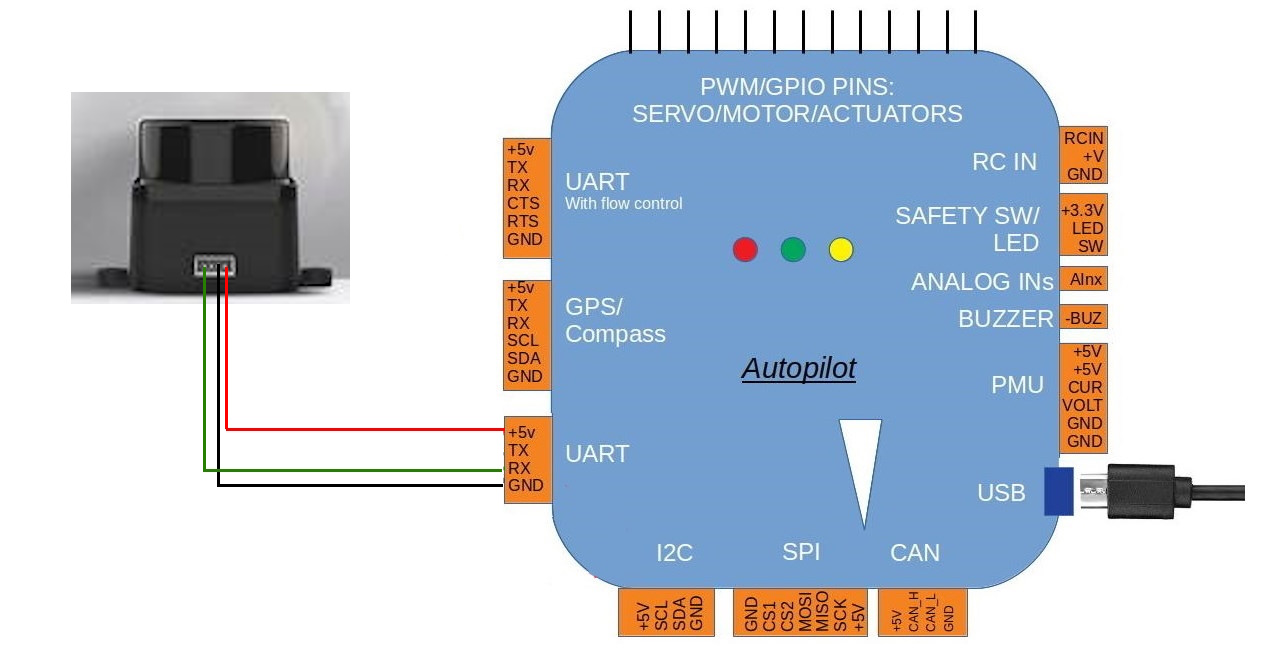
LD-06 wiring
Goal: LD-06 360° proximity; ignore sectors blocked by antennas/frame; then cautious avoidance.
Manuals & guides
Official docs and practical guides for this step:
- ArduPilot — LDRobot LD-06
- ArduPilot — Proximity sensors
- ArduPilot — Simple object avoidance
- ArduPilot — BendyRuler path planning
Video guides
Videos below are embedded. Use the link if the player does not load.
ArduCopter simple avoidance in Loiter (proximity) — YouTube
What you do
- Wire LD-06 to TELEM1 / SERIAL1 (
PRX1_TYPE=16) — locked, do not share with ELRS. - Mount level at a height that keeps the 360° scan as clear as possible.
- Configure ignore sectors where masts, arms, or antennas block the scan.
- Start with proximity/warnings only; enable avoidance only after controlled tests.
- Outdoors: approach known obstacles slowly with failsafe ready.
Related parts
- LDRobot LD-06
- Pixhawk 6X Mini (port allocation)
Done when
- Proximity works with sensible sectors; avoidance is on only after safe validation.
Photos